1. AI画像生成の基本
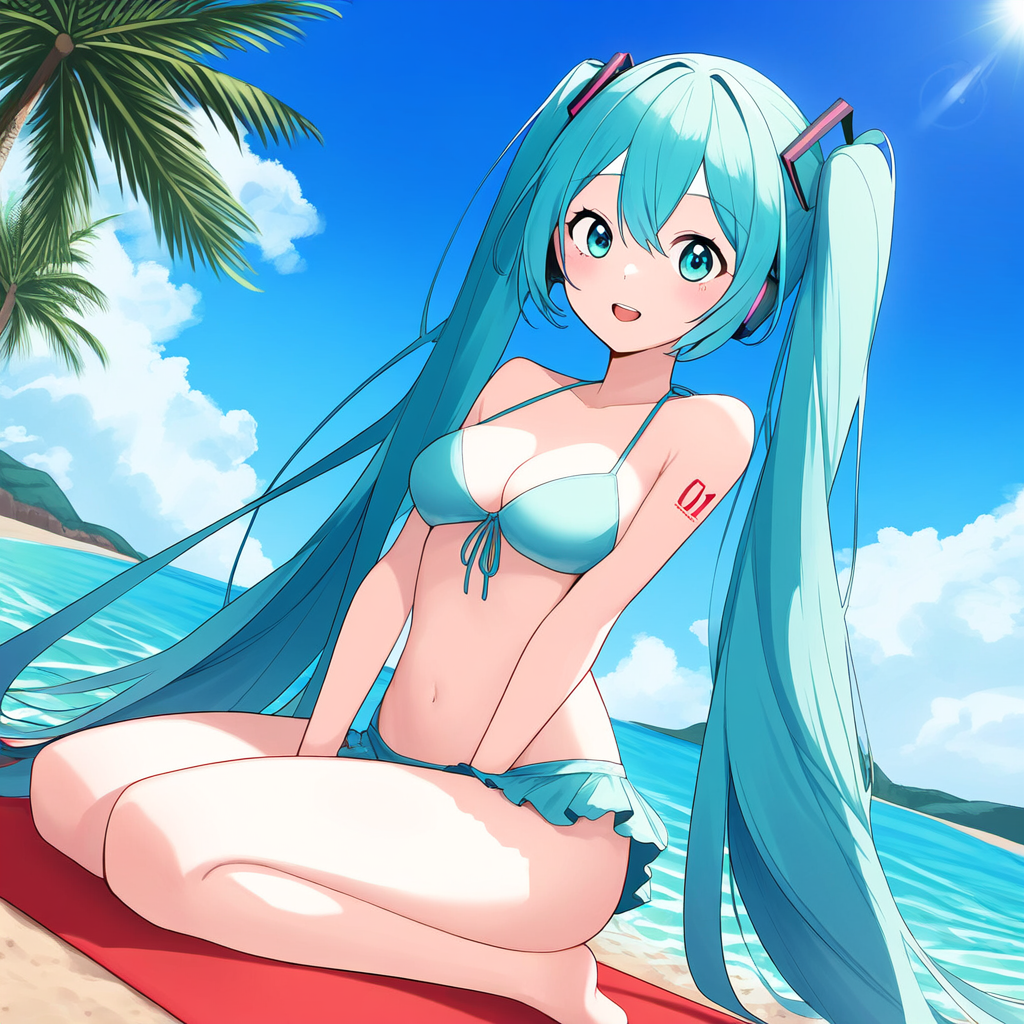
NovelAIでは、プロンプトを活用してアーティストのスタイルを反映した画像を作成できます。以下の設定を活用しましょう。
- {} で囲む:特定のスタイルを指定
V4では「::」で閉じる方が調整しやすくなりました。 - 品質タグOFF:形が崩れやすいが、個性が強く出る
- 品質タグON:形が安定するが、一般的なAI絵に近づく。V4ではぼやけ防止用にあった方がいいかも
プロンプト例(クリックで表示)
使用例:{{hatsune miku::, 1.5::artist: アーティスト名::, beach, bikini, double w, medium breasts, cowboy shot,
2. AI画像の法的リスクと注意点
以下の点に注意して利用してください:
- 著作権のあるアーティスト名を使用したAI画像の商用利用は避ける
- 個人利用の範囲内で楽しむことを推奨
3. Sランクの基準
個人的に100%絵柄に影響があると判断したものです。
4. V3とV4の違い
基本的に2枚画像があるものは
左側が「V3」、右側が「V4」です。
絵柄が変わらないものもありますが、中にはV3とV4で絵柄が変わるものがあります。
(恐らく昔と絵柄が変わっているパターンが原因?)
全体的にV3よりも個性が薄れている印象。
また、V4では名前の「_」もない方が良いみたいです。
アーティスト名を使う際は「artist: 好きなアーティスト名」のようにartist: を追加することで複数のアーティストの絵柄を混ぜることができます(※強弱は調整する必要あり)
ポーションを使えば絵柄の合成が比較的簡単にできました。
ただ必ず指定の絵柄がでるわけではなく、ポーションで抜き出した絵柄になるのには注意。





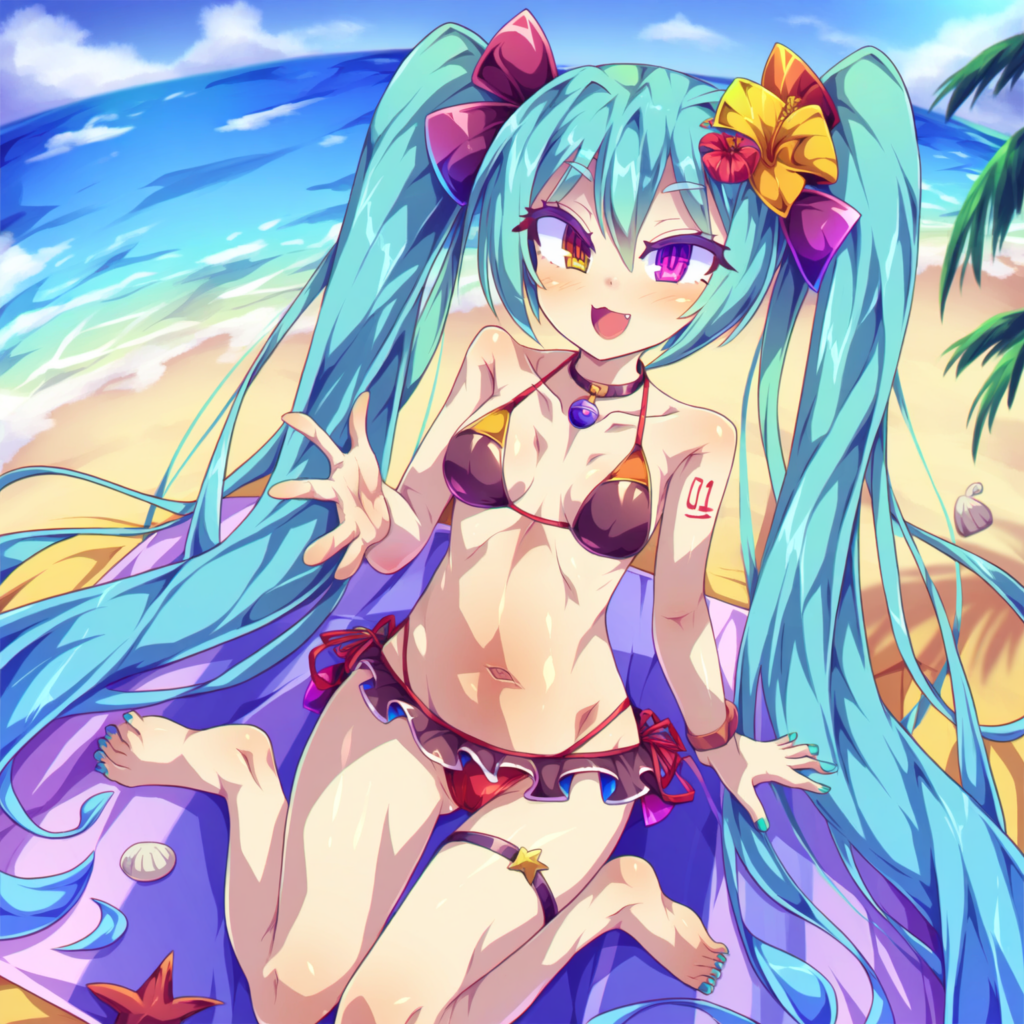
使用したプロンプト:{{hatsune miku}}, {{{{{アーティスト名}}}}},medium breasts, outdoors,navel, beach, seiza,palm_tree,beach mat ,sea,bikini,bare legs,
アーティスト名の名前を纏めた表(リンク付き)を作りました。
(2024/10/10追加)↓
アーティスト名の一覧表
↓五十音順
アーティスト名の一覧表
アーティスト名なし

解説:品質タグをONにした通常バージョン。
petenshi (dr.vermilion)
- V4
- ポーション(V4)
- V3



- ペテン師 – pixiv
- Dr.VERMILION(ドクターバーミリオン) サークルプロフィール | 作品一覧「DLsite 同人 – R18」
- ボイスロイドを中心としたR18本がDLsiteなどで販売されています。
takiki
- V4
- ポーション(V4)
- V3



- Takiki – pixiv
- ウマ娘を中心とした数コマ漫画を描いています。
torino aqua
- V4
- ポーション(V4)
- V3


- torino – pixiv
- 背景の描きこみがトップクラス。様々な背景が自動で追加されました。
mtu (orewamuzituda)
- V4
- ポーション(V4)
- V3



- https://www.pixiv.net/users/688784
- ボイスロイドの立ち絵などを公開している。V4では全体的に以前より細かく描きこまれやすくなった。
ixy
- V4
- ポーション(V4)
- V3



- https://www.pixiv.net/users/4935。
- ShiBoo!(シブゥ) サークル/ブランドプロフィール | 作品一覧「DLsite アプリ – R18」
- DLsiteでPRG形式のR18ゲームを販売中。
yonedatomo mizu
- V4
- ポーション(V4)
- V3
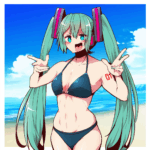


kobayashi chisato
- V4
- ポーション(V4)
- V3
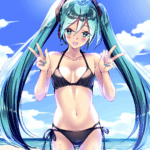

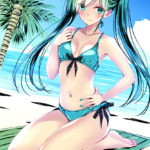
kupa (jesterwii)
- V4
- ポーション(V4)
- V3

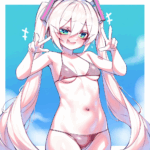
品質タグOFF

- https://www.pixiv.net/users/10829062
- 品質タグのON/OFFで結構変わりました。
toraishi 666
- V4
- ポーション(V4)
- V3




コメント
I couldn’t resist commenting. Very well written!
Hey excellent website! Does running a blog like this require a large amount of work?
I’ve very little understanding of programming however I was hoping
to start my own blog in the near future. Anyways, should you have any recommendations or techniques for
new blog owners please share. I understand this is off subject however I simply had to ask.
Thank you!
Hello,
Thank you for your comment. I’m glad you find the website useful.
My apologies for the delay in my response.
To answer your question, the workload for this blog is manageable because I use a rental hosting service. They handle most of the technical maintenance, so I don’t need deep programming knowledge.
It’s good that you are planning to start a blog. Regarding the platform, there are many options like WordPress. To be honest, I chose WordPress for this site, but I later discovered other platforms and slightly regretted not researching more thoroughly beforehand. Because of that experience, I would recommend looking into both the advantages and disadvantages of any platform you consider.
As for the site’s design, I use a tool like Genspark. My process is to have the AI create the initial UI and design. From there, it becomes a collaborative process where I work together with the AI to refine and improve it. This allows me to create a decent design without being a professional designer myself.
I hope this information is helpful. Good luck with your blog.